
Professional courses
Check the knowledge taught in a course with task types and marking criteria suited to its learning outcomes.
Run final assessments for professional courses, corporate training and continuing education. Reuse questions, organise cohorts and give instructors a clear route from participant access to answer grading and session review.
Check the knowledge taught in a course with task types and marking criteria suited to its learning outcomes.
Organise learners into the right cohort, agree the assessment with the commissioning employer and define who receives the result.
Reuse the relevant question bank while checking dates, instructions, attempts and participant lists for each course run.
TrustExam supports the assessment stage. Your learning programme, teaching and award rules stay under your control.
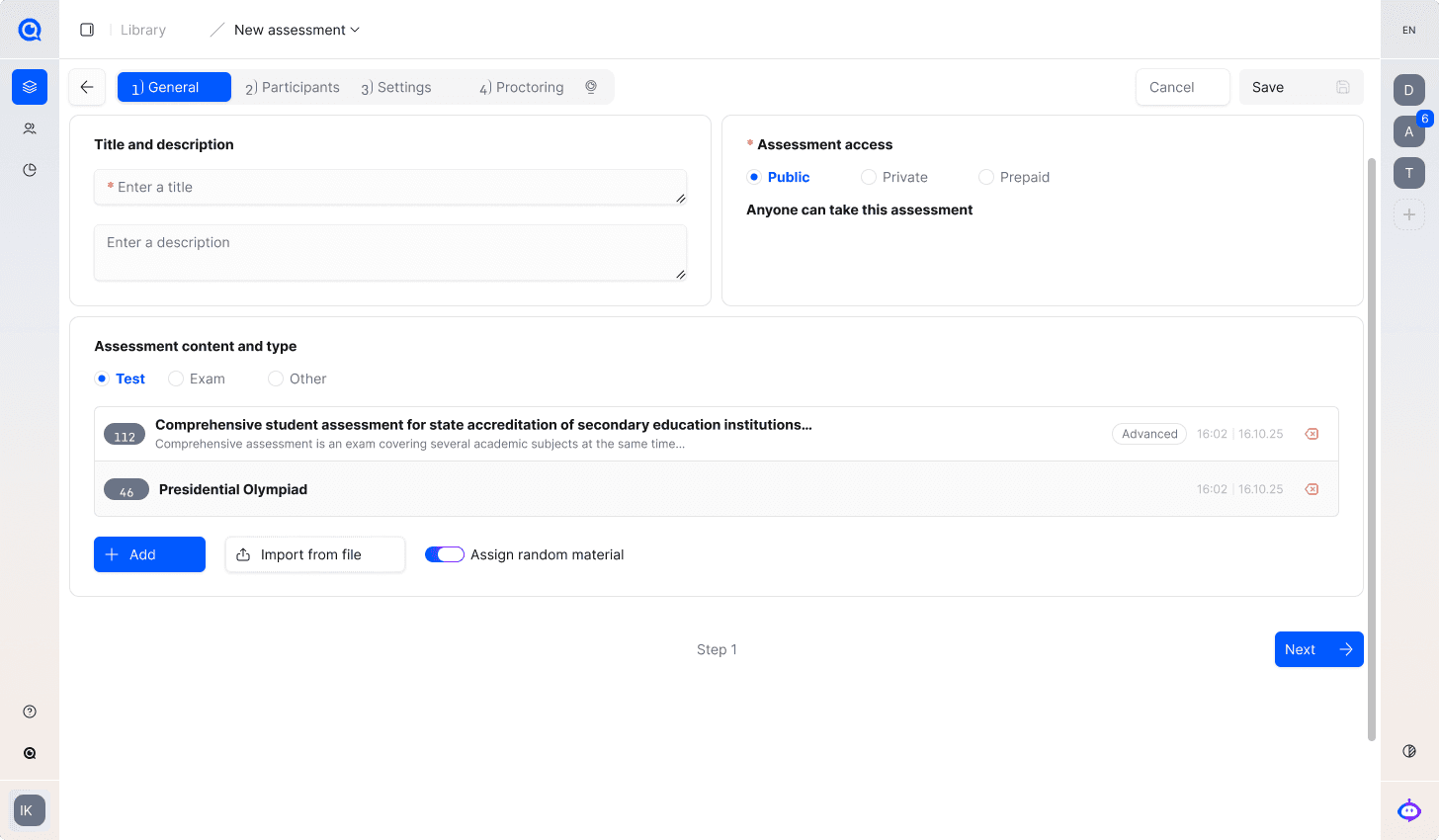
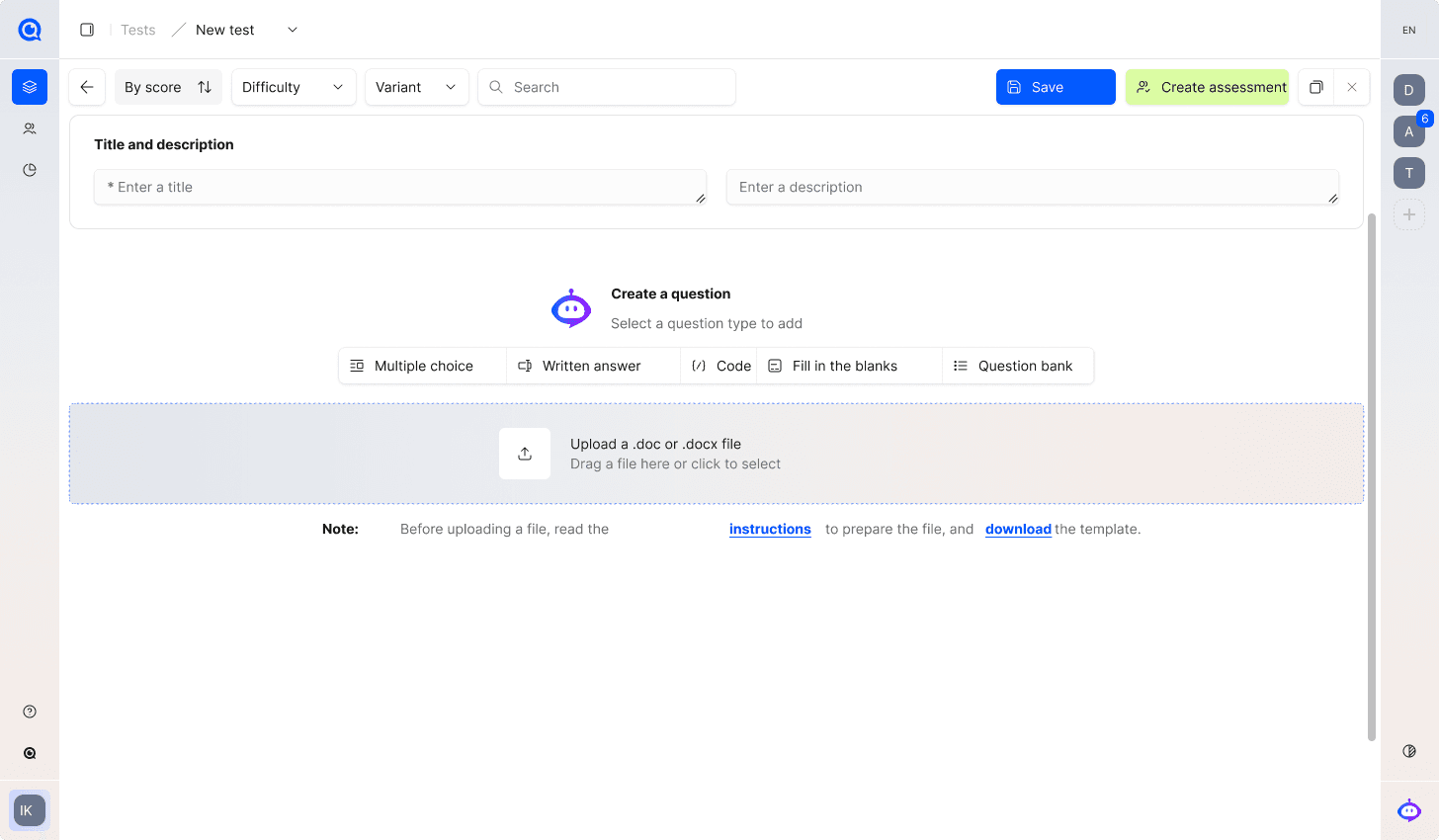
Create or import questions and set the grading conditions, duration and attempts. Add participants manually or from XLS/XLSX and check the registration instructions.
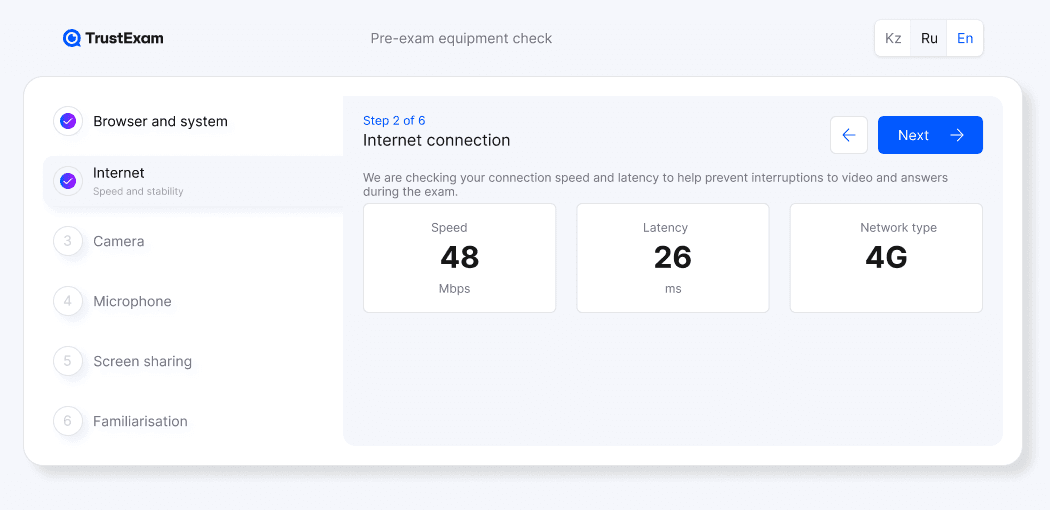
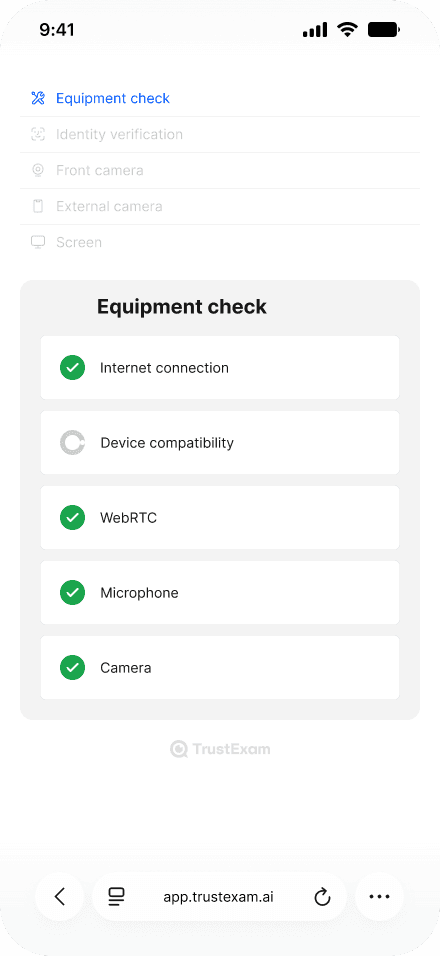
Tell learners what equipment and materials are permitted. Where monitoring is required, configure identity and environment checks and rehearse the participant path before the final assessment.

Grade answers and review relevant session evidence separately. The training provider decides what the result means for course completion, further learning or a retake.
Give instructors and the course owner a clear basis for completing the course, planning further learning or arranging a retake.
Combine suitable supported question types. Use written responses where a learner needs to explain a decision; instructors grade these answers. Coding tasks can use the built-in IDE; confirm the required languages and runtime settings.
Deliver the assessment in TrustExam or discuss an integration with the existing LMS. Agree where questions, learner records and results live; validate the connection before relying on it for a course launch.

Walk through your format, security requirements and review process.
A reviewed exam result supports the training provider’s process. Course completion, document issuance and any professional recognition follow the provider’s own rules.
Agree the expected outcome, then verify it in a representative workflow for your organisation.
A checked question set and documented settings that can be reviewed for the next cohort.
Answer grading and available session evidence, considered by the responsible instructors and reviewers.
Real participant difficulties and instructor effort to address before scaling delivery.
An instructor confirms that the assessment covers the intended learning outcomes.
A test participant joins the correct cohort and receives the agreed instructions.
Manually grade a sample answer and review a sample session under the course rules.
Confirm who receives the result and how completion or retake decisions are communicated.
Explore the details before your demo. If your question is not here, talk it through with our team.
Talk to the teamTrustExam provides exam preparation, delivery and review capabilities. Course teaching and learning management can remain in your existing system; any integration must be scoped and tested.
Yes. Questions can be created, imported and reused. Check the exam version, access, dates and attempt rules before inviting each new cohort.
No. Agree the exam rules, permitted resources and required controls for each assessment. Rehearse the chosen setup with representative participants and devices.
The training provider sets course-completion and certificate rules. Confirm how the certificate will be produced, delivered and verified for your programme; automatic issuance is not assumed.
Agree the required learner results, authorised recipients and transfer method with the employer. Verify a sample export or the confirmed integration in the pilot. Access to session recordings is a separate decision from receiving the exam result.
Share sample questions, cohort size, your LMS and completion rules. We can demonstrate the learner and instructor paths and define a focused pilot.
Request a demoCandidate journey · Environment controls · Evidence review