
Questions for different learning outcomes
Combine choice questions, written responses, fill-in-the-blank and drag-and-drop tasks. Coding tasks can use the built-in IDE; confirm the required languages and runtime settings.
Create admissions and academic assessments, organise student groups and deliver exams with the controls each course needs. Use answer grading and session evidence to support teachers’ decisions.
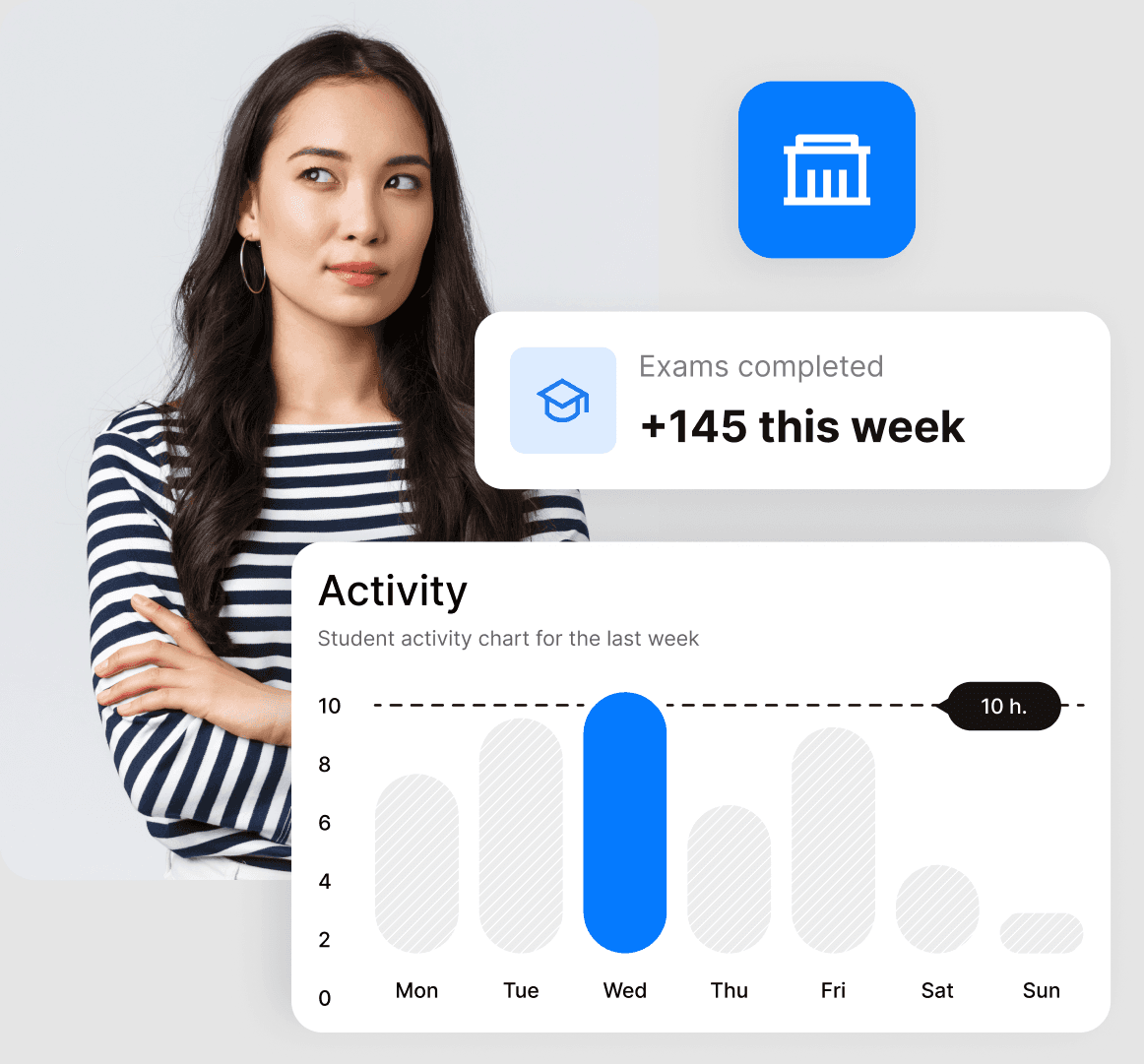
Combine choice questions, written responses, fill-in-the-blank and drag-and-drop tasks. Coding tasks can use the built-in IDE; confirm the required languages and runtime settings.
Import participant lists, organise groups and configure invitations, exam windows, duration and attempts.
Assign open written answers for manual grading. Examine a flagged session separately before applying your institution’s rules.
Connect preparation, the live session and post-exam review without losing sight of the learner.
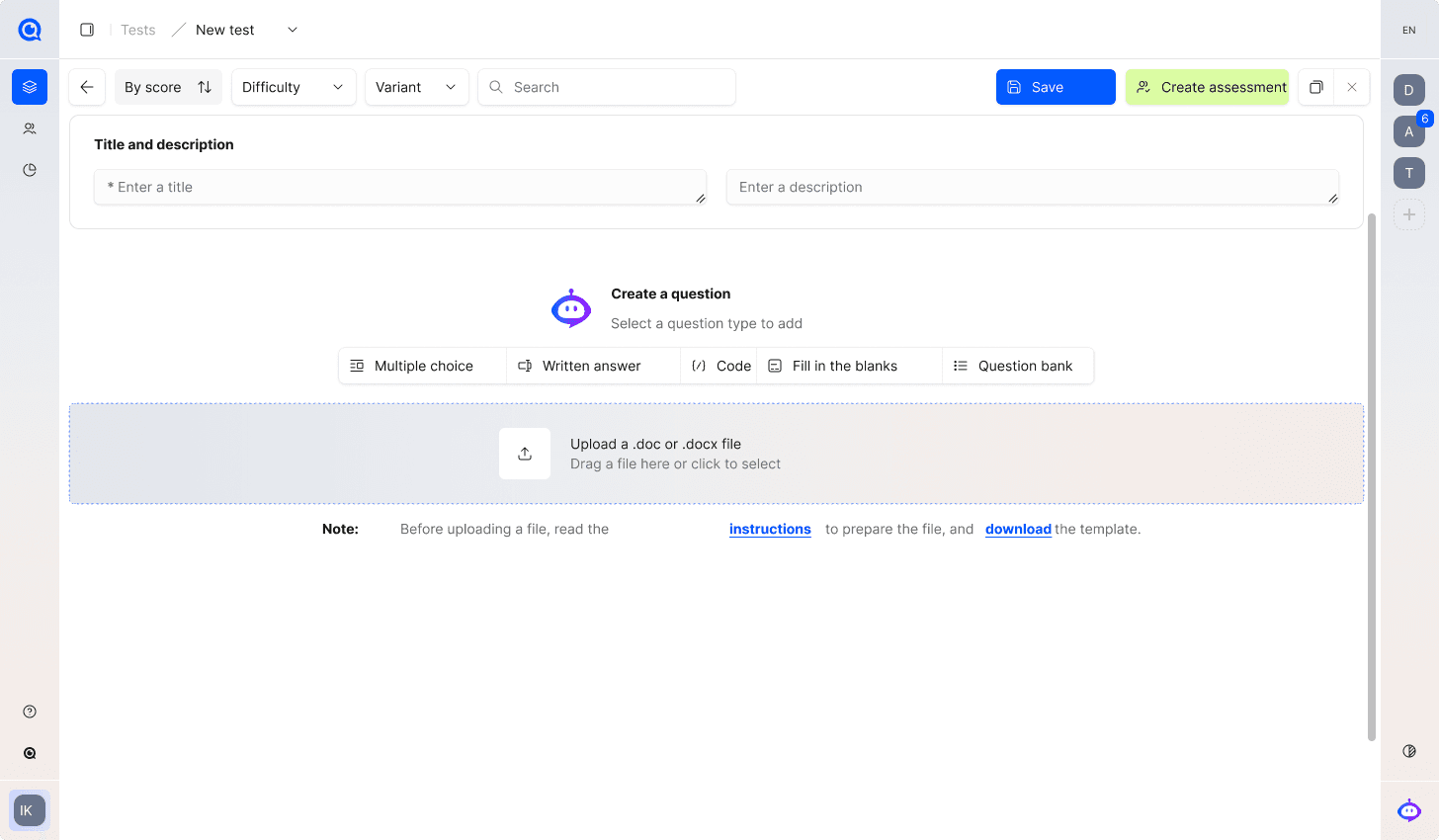
Create or import questions, choose supported task types and set dates, duration, attempts and scoring. Publish clear equipment and exam instructions before inviting the group.

Use the configured camera, screen and environment checks for the exam format. Explain permitted resources and any extra-camera requirements in advance.

Review flagged moments alongside the recordings and exam rules. Use the same context when considering a student’s explanation or appeal.
Map the route from your learning platform to the exam session and back to review. Confirm integration scope, candidate access and responsibilities with your technical and academic teams.
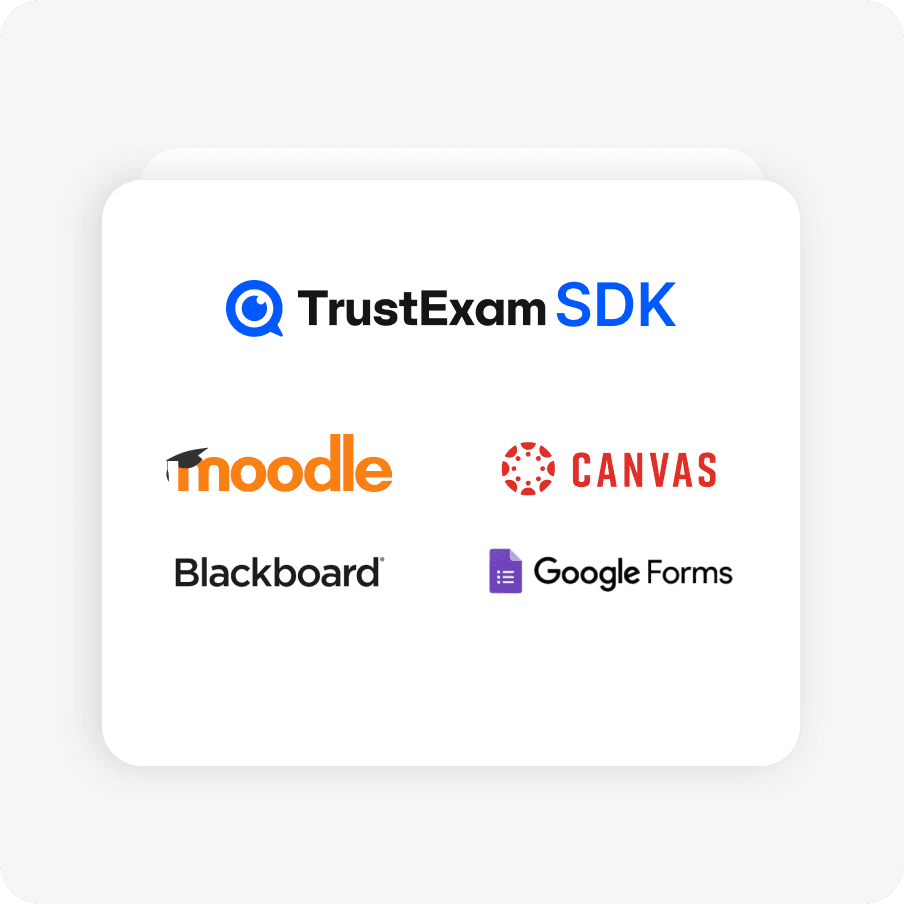
Bring content protection into the exam setup alongside monitoring and candidate rules. Technical controls work best when the physical environment and permitted resources are considered too.
Walk through your format, security requirements and review process.
Configure the workflow around the academic purpose and the resources students may use.
Agree the expected outcome, then verify it in a representative workflow for your organisation.
A checked question set, student groups and clear participation instructions.
Teachers grade answers; authorised reviewers examine relevant session evidence.
Observed student difficulties and staff review effort inform the next cohort.
Validate scoring and manually grade a sample written response.
Test invitation, registration and equipment checks on representative devices.
Where integrated, verify launch, participant identity and the agreed result handover.
Make sure students know where to ask for help and teachers can explain the reviewed outcome.
Explore the details before your demo. If your question is not here, talk it through with our team.
Talk to the teamYes. Remote exam workflows are supported. Equipment, camera and connectivity requirements must be confirmed for your setup and communicated before the exam.
An integration can be scoped with your team. Confirm the platform, access flow and data handoff before implementation.
Agree adjustments and exceptions through the institution’s own process. Validate how they interact with monitoring in the pilot; do not treat an agreed exception as misconduct.
No. A flag supports integrity review. Academic judgement and any consequences remain with the institution under its exam rules.
TrustExam supports creating, editing, importing and reusing questions. Check the import format and scoring behaviour with a representative sample before migrating a question bank.
Show us a course, sample questions and the way you currently assess students. We can outline the exam setup, LMS requirements and a manageable first cohort.
Request a demoCandidate journey · Environment controls · Evidence review