
Before the exam
Create or reuse questions, set dates, duration and attempts, add groups and prepare the participant instructions.
Prepare questions, schedule the exam and invite participants. Deliver the assessment with configured identity and environment checks, then grade answers and review session evidence.
Create or reuse questions, set dates, duration and attempts, add groups and prepare the participant instructions.
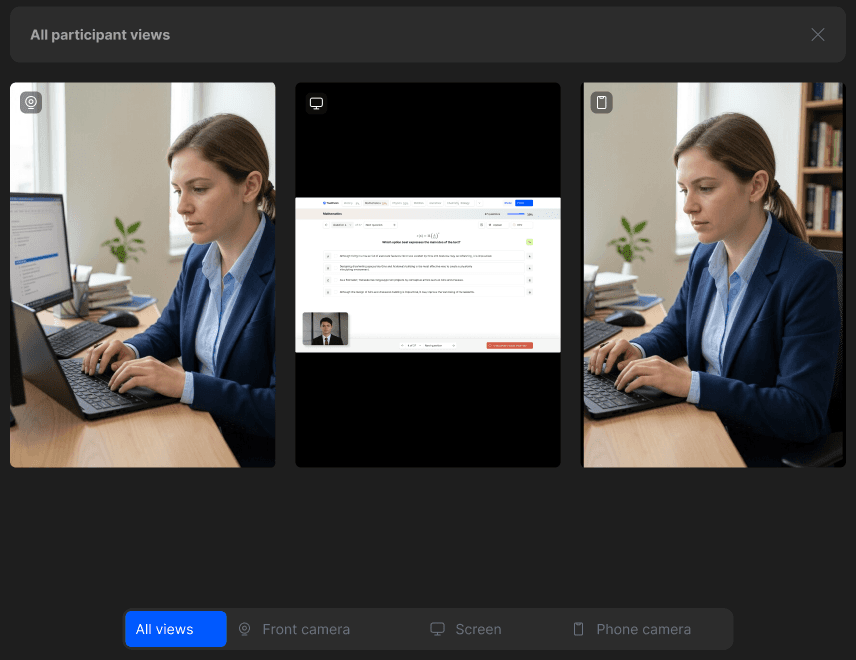
Bring the camera, screen and environment signals together in the configured monitoring workflow.
Review answers and grades separately from integrity concerns. Use session events and available recordings, then export the exam results.
Explore five connected stages. The checks and evidence available depend on the configuration agreed for your exam.
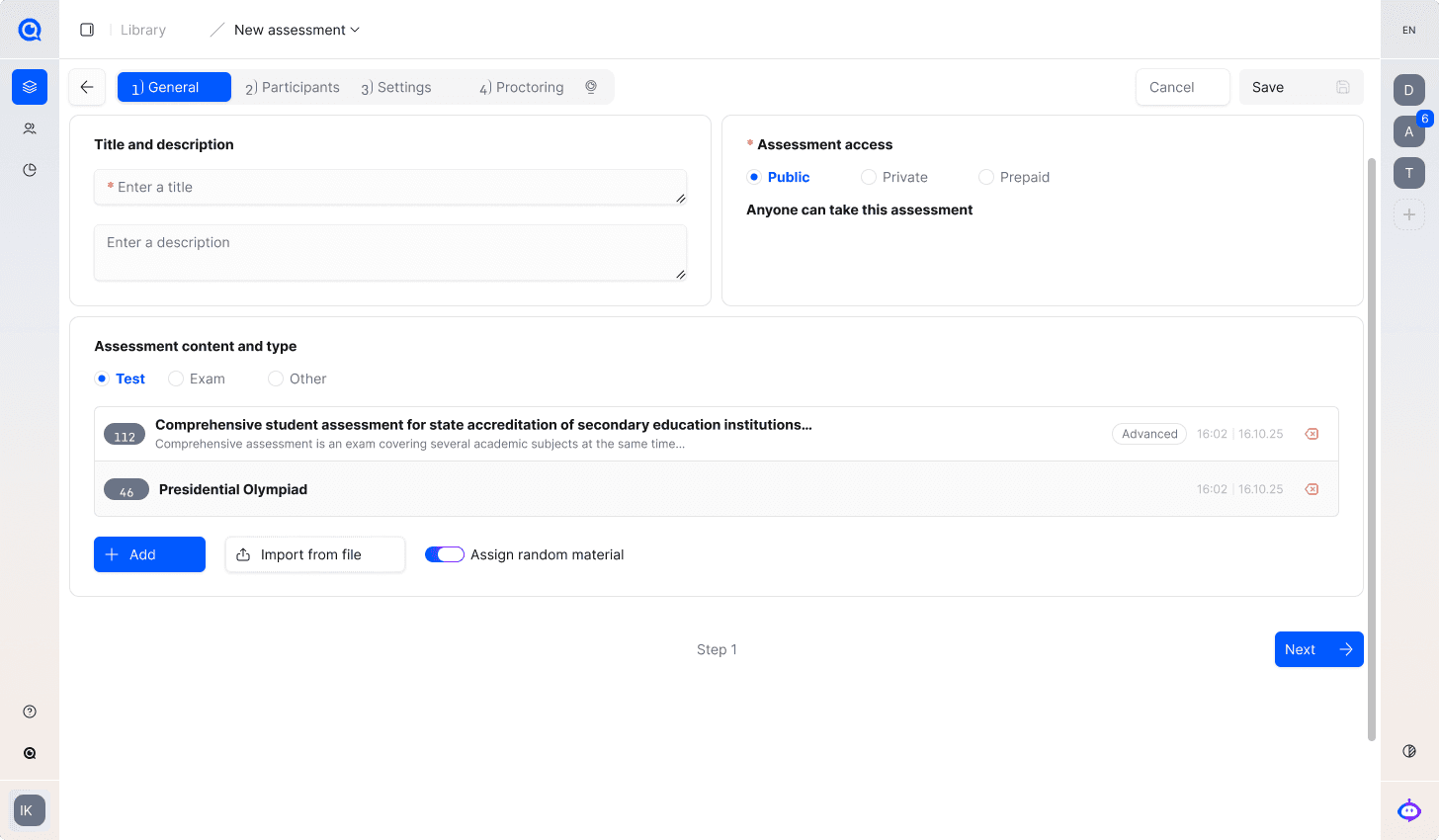
Use the question bank or create new tasks. Set the exam window, duration, attempts and scoring conditions. Add participants manually or from a spreadsheet and organise them into groups.
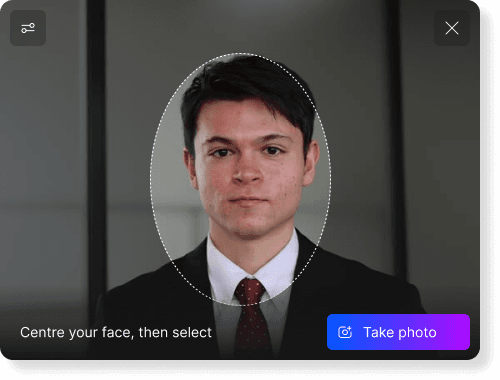
The organiser selects the identity and device checks: for example, a participant photo, an identity document and camera or microphone checks. Explain the required documents and the process for a failed check before exam day.
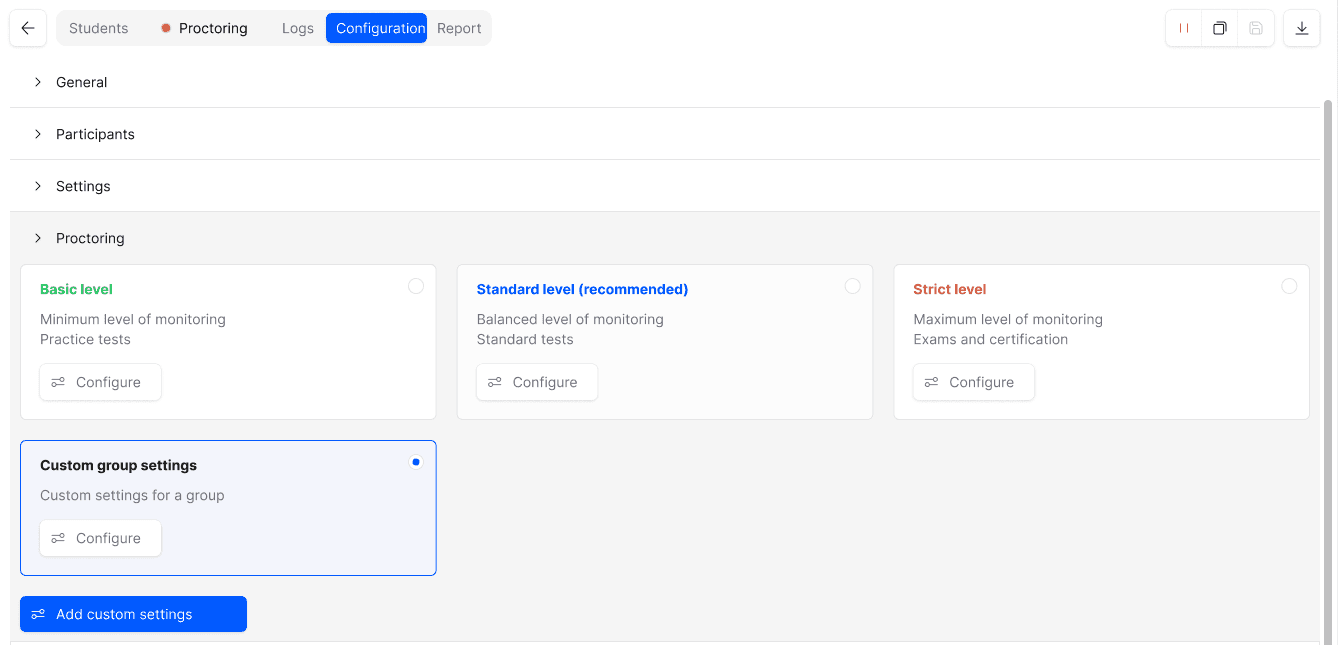
Select browser, tray-assisted or desktop delivery according to the controls required. Configure supported focus, clipboard, display and content-protection settings, then test them with the permitted exam tools.
Configure live viewing and recording separately for the available camera and screen sources. Where a second camera is required, a phone connects through a QR code in its browser. Reviewers use events to locate moments that need attention.
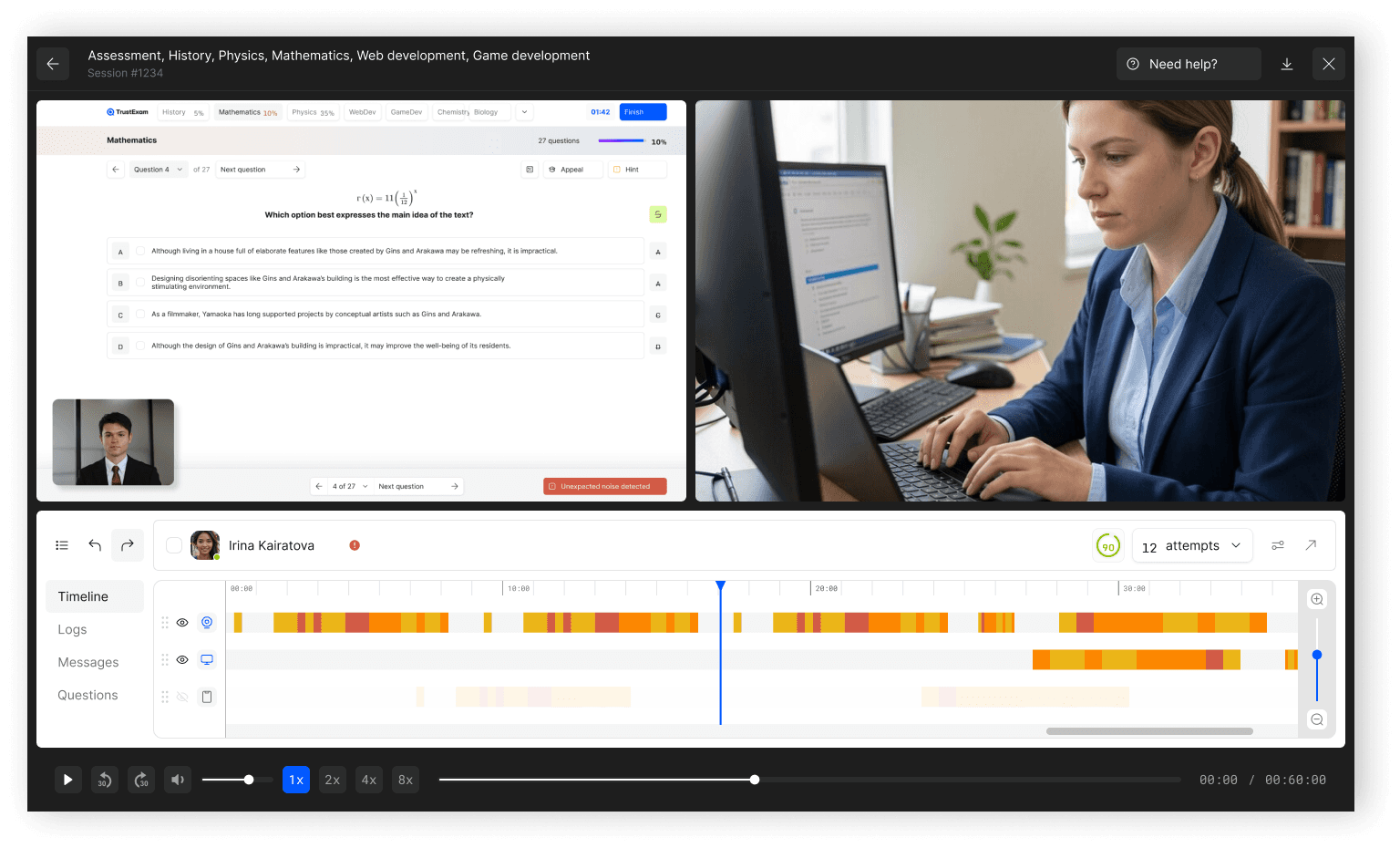
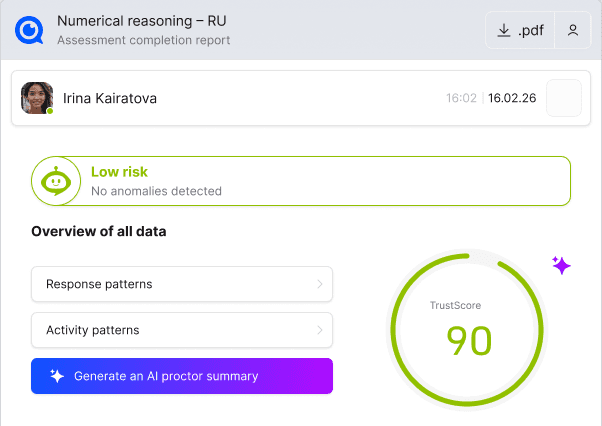
Teachers or experts manually assess open written answers. Reviewers examine events, recordings and TrustScore for integrity concerns. These are separate tasks: a knowledge score does not prove integrity, and a risk signal does not prove a violation.
The exam produces information for several different tasks. Keep the assessment result, session review and final programme decision distinct.
From exam content to results. If delivery stays in your LMS, the integration defines which system handles each task.
Create, import and reuse questions. Supported types include single or multiple choice, written answers, coding, fill-in-the-blank and drag-and-drop. Teachers grade written responses; coding can use the built-in IDE for writing, compiling and running code.
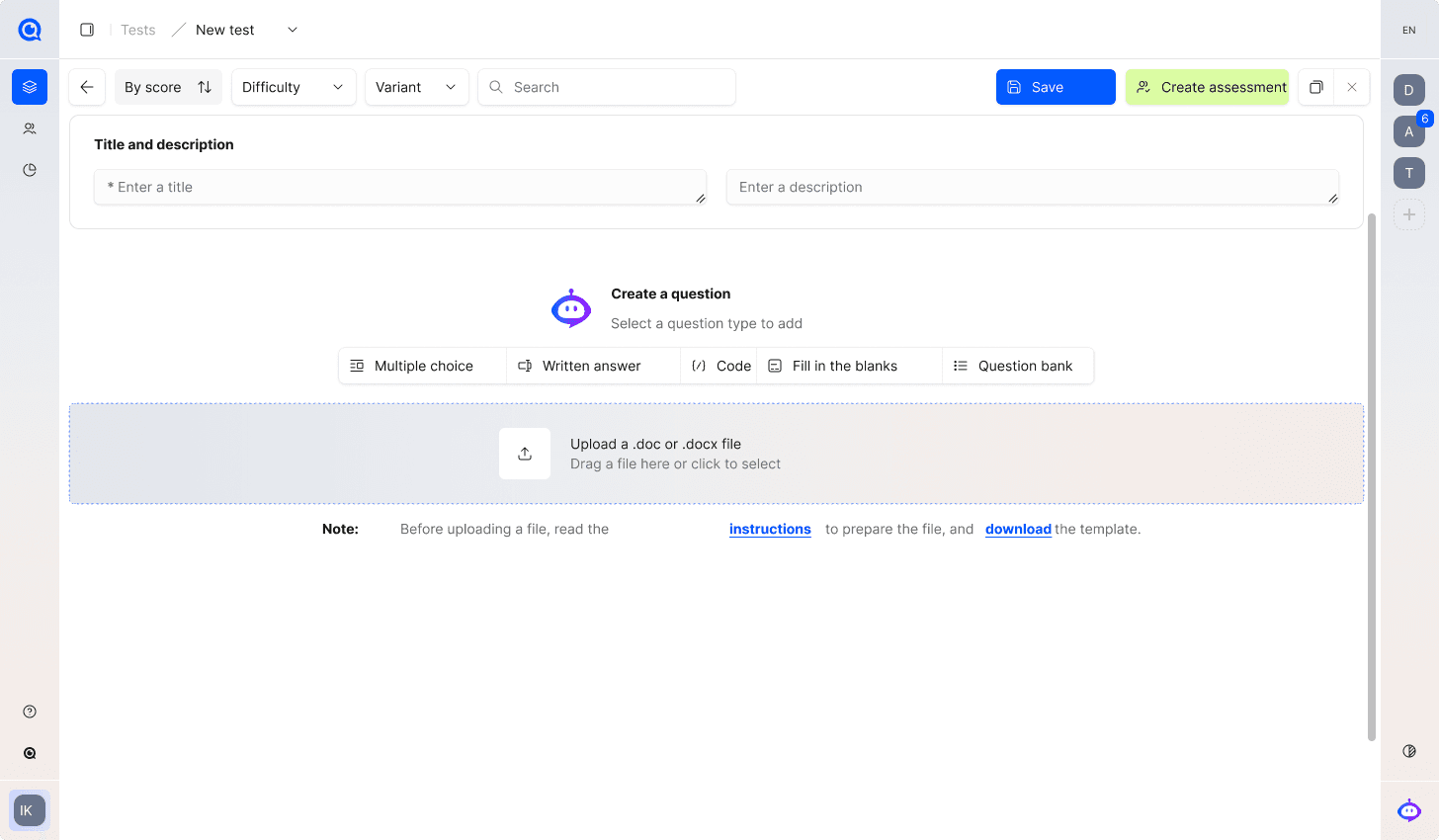
Set dates, duration, attempts, question counts and scoring conditions. Add materials and instructions. Check exam variants before inviting participants.
Add participants manually or from XLS/XLSX and organise groups. Configure invitations and a registration page: fields, instructions, support contacts, expiry and access restrictions.
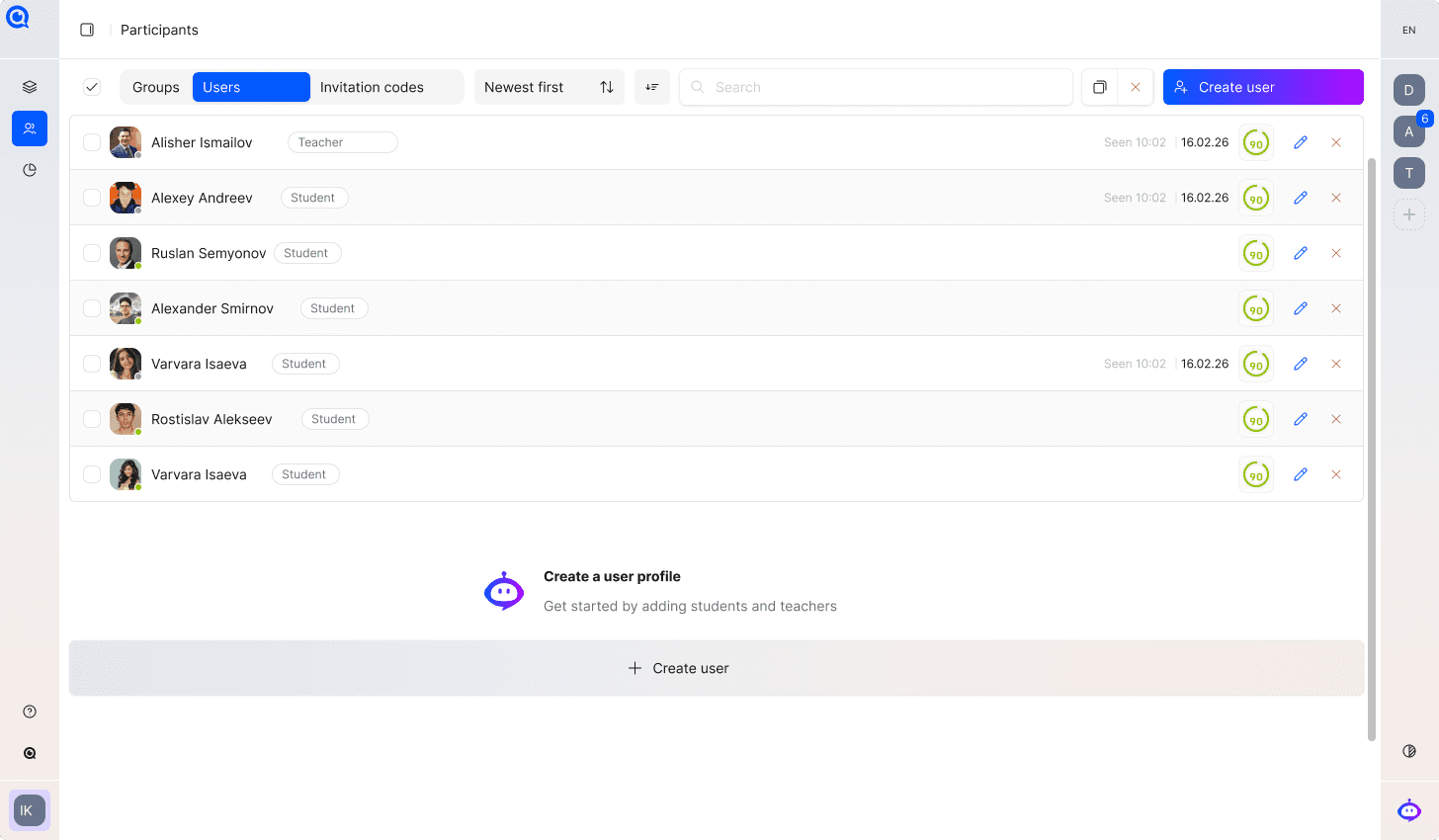
The organiser prepares the exam and access. Participants complete tasks. Teachers grade written answers. Reviewers examine session evidence. Answer scores, risk signals and final integrity decisions have different meanings.
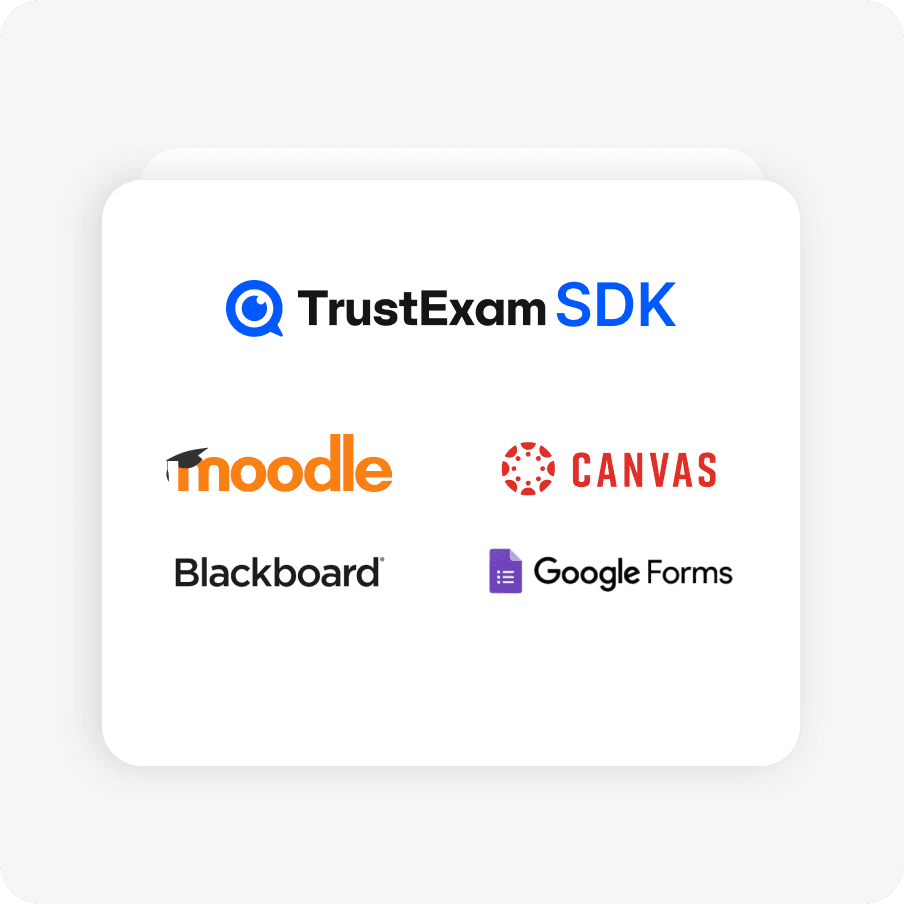
Use TrustExam as your exam platform, with question banks, groups, invitations and results. Or retain your LMS and scope the integration: participant identity, exam launch, monitoring and the return of review information.
Bring session events, recordings and integrity reports into the same review process. Reviewers interpret them against your rules, including technical incidents and approved exceptions.
Walk through your format, security requirements and review process.
Choose a delivery and deployment model with the team. Capacity, responsibilities and data requirements are part of that discussion.
Agree the exam format, risks and success criteria.
Choose the checks, deployment and integration flow.
Test candidate readiness and the review workflow.
Review incidents and refine the rollout plan.
Explore the details before your demo. If your question is not here, talk it through with our team.
Talk to the teamNo. Automated signals and TrustScore support review. An authorised person interprets the evidence and applies the rules of the exam programme.
Not necessarily. Integration with your existing LMS or assessment platform can be scoped. The team needs to confirm the technical requirements and supported flow.
Requirements depend on the chosen delivery format and monitoring setup. Confirm them in the pilot and provide participants with the agreed instructions.
Use the programme’s support and exception process. Review the available session context before making an integrity decision.
Single- and multiple-choice questions, open written answers, coding tasks, fill-in-the-blank tasks and drag-and-drop tasks. Open answers are graded manually; coding tasks can use the built-in IDE to write, compile and run code. Confirm supported languages and runtime settings for the programme.
The organiser adds participants and groups, then configures invitations or a registration page. Invitation settings can include expiry, activation limits and email or phone restrictions. Candidates follow the instructions for their specific exam.
No single mode fits every programme. Browser, tray-assisted and desktop modes have different capabilities. The organiser confirms the mode, supported devices and required installer before the exam.
Yes. These languages are supported in the exam interface. Prepare the question text and participant instructions in the required language and test the complete exam journey before launch.
Bring a sample exam and your participant workflow. Explore authoring, access, delivery, grading and integrity review with your team.
Request a demoCandidate journey · Environment controls · Evidence review