
Hiring assessments
Assess relevant knowledge with consistent instructions and scoring criteria. The hiring team considers the result alongside interviews and other evidence.
Use role-relevant assessments for hiring, employee development and internal certification. Prepare questions and groups, verify who takes the test, and review answer results alongside the session context.
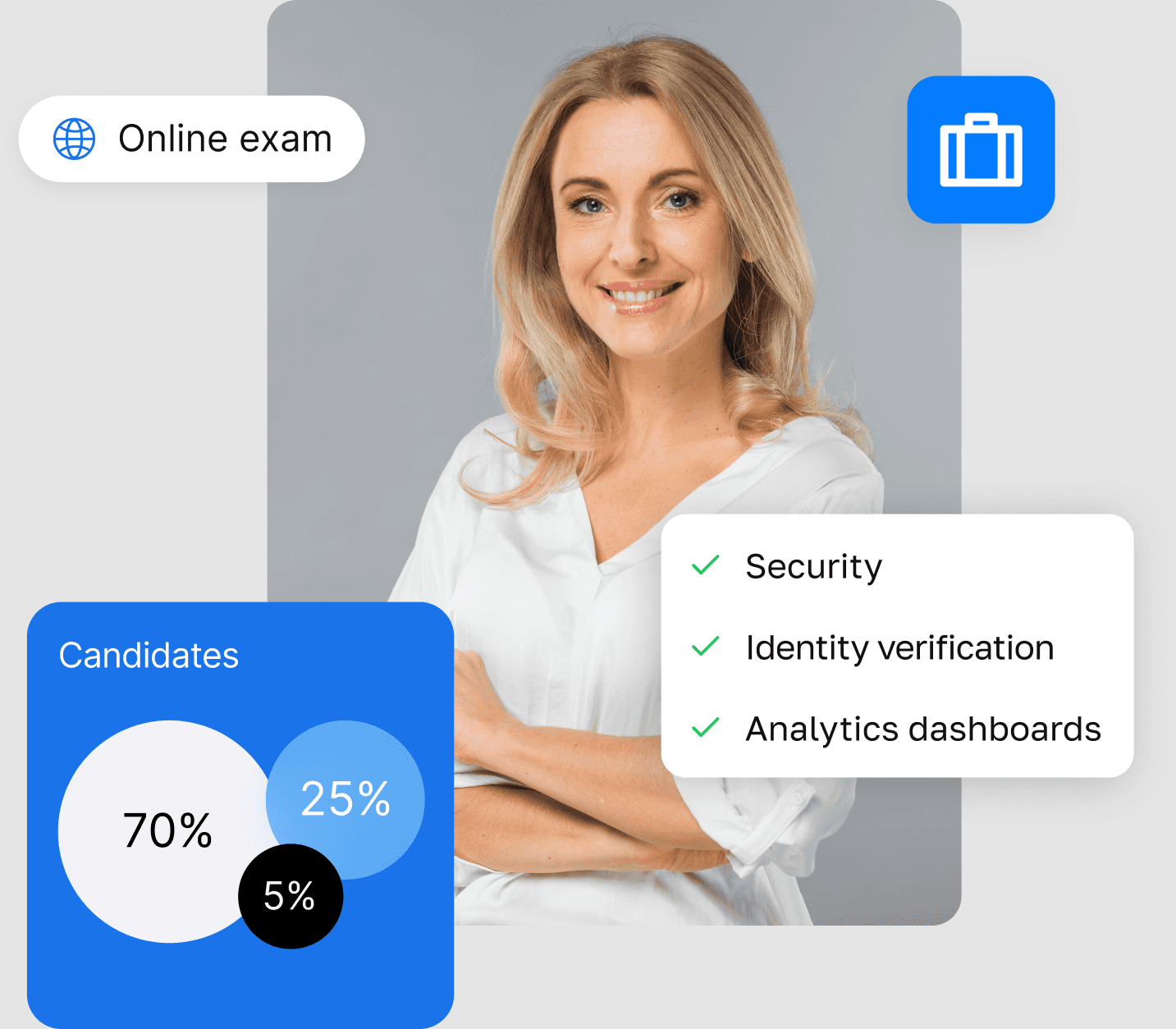
Assess relevant knowledge with consistent instructions and scoring criteria. The hiring team considers the result alongside interviews and other evidence.
Run knowledge checks after training, organise cohorts and use reviewed answers to identify topics that need further attention.
Define attempts, grading and review responsibilities for recurring assessments. Keep the internal authorisation decision with the employer.
Define the rules for each programme instead of applying one monitoring policy to every employee or candidate.
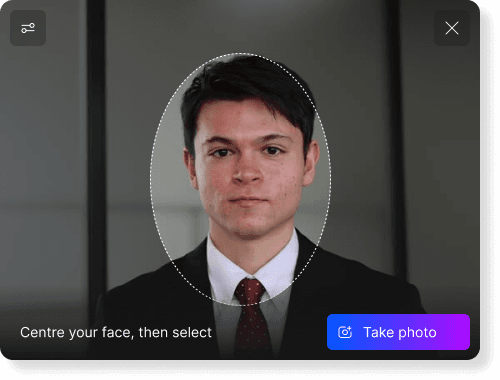
Add identity and environment checks to the candidate assessment. Explain the process early and distinguish permitted resources from behaviour that needs review.
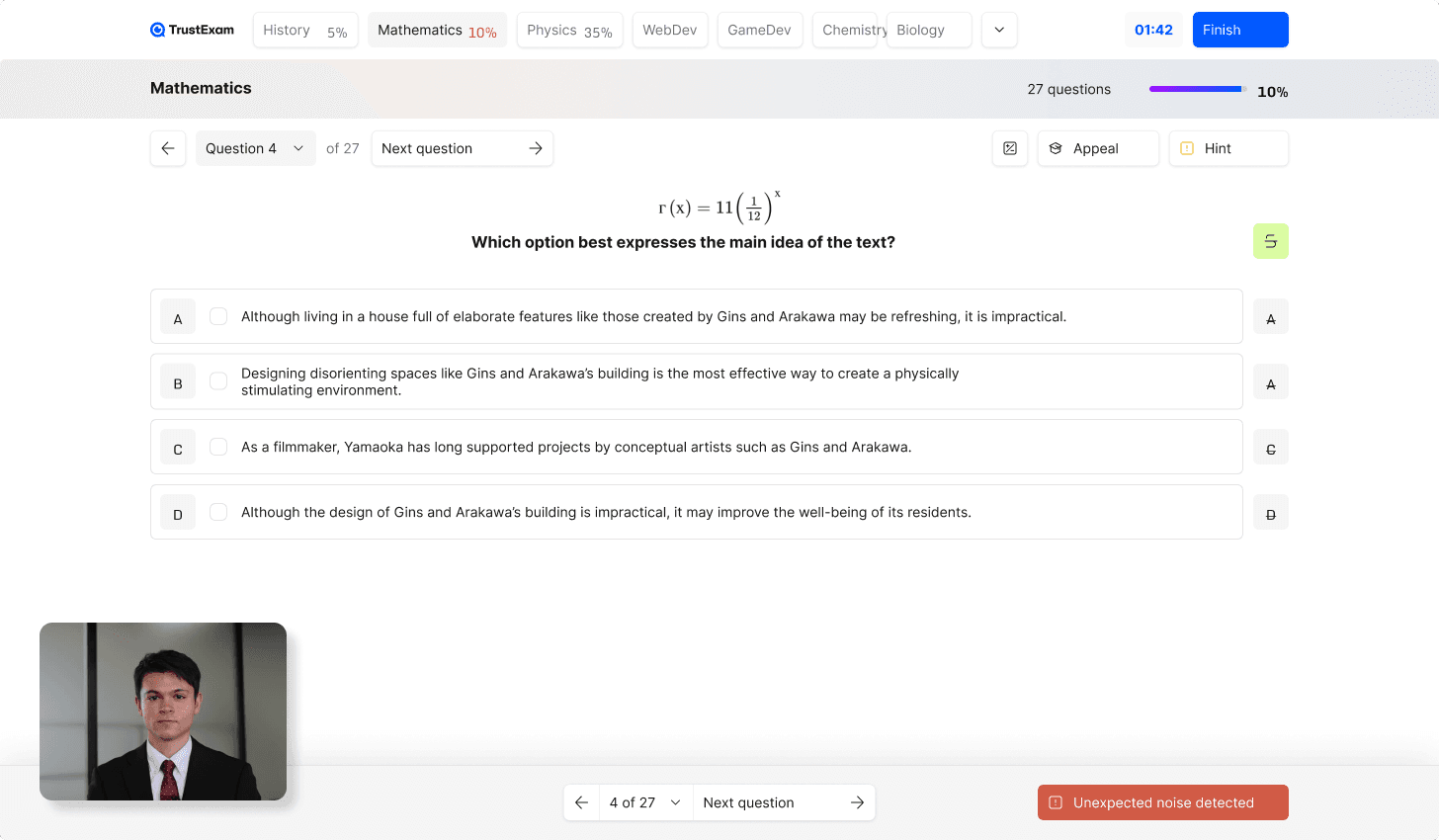
Scope the checks around the devices employees use and the knowledge being assessed. Test compatibility with your corporate environment before rollout.
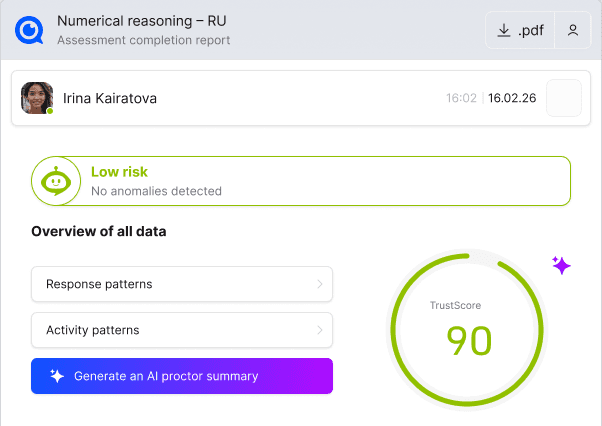
Give authorised reviewers the session report and supporting events. Keep integrity review separate from the organisation’s decision about competence or qualification.
HR, managers and subject experts use the results for different purposes. Define the next step for the role being assessed.
Choose tasks that reflect the required knowledge, tell candidates what is permitted and define the marking criteria before the first invitation. Exam scores and risk signals are inputs for people to review, not an automatic hiring verdict.
Combine ContentProtect with environment checks and participant rules. Consider both software capture and the physical workspace when scoping the assessment.
Walk through your format, security requirements and review process.
Align the security configuration with the assessment’s purpose and the experience you want participants to have.
Agree the expected outcome, then verify it in a representative workflow for your organisation.
A checked task set and marking criteria approved by the subject owner.
Answer scores and available session evidence with a defined review responsibility.
The employer decides whether to continue recruitment, provide training or complete internal certification.
Have a subject expert review each task and its marking criteria.
Try invitations, instructions and permitted-device checks before sending them to applicants.
Verify that HR can route an integrity concern to an authorised reviewer.
Record preparation and review effort against criteria agreed for this role.
Explore the details before your demo. If your question is not here, talk it through with our team.
Talk to the teamNo. TrustExam supports exam preparation, delivery, answer assessment and integrity review. Your team defines job-relevant criteria and makes hiring decisions using these results alongside other information.
Confirm compatibility with the chosen monitoring setup, device policies and permitted software in the pilot.
Define permitted materials in the exam rules, then confirm how the protection and monitoring setup should accommodate them.
The integration path can be scoped with your technical team. Confirm the access flow, session handoff and information needed for review.
Coding tasks can use the built-in IDE for writing, compiling and running code. Agree the required languages, test cases, runtime and memory limits before using this workflow.
Agree the information needed for the selection or development process: the assessment result and, where relevant, the authorised review conclusion. Confirm export fields and system connections in the pilot. Receiving a result does not automatically mean receiving session recordings.
No universal connection is assumed. The launch flow, identifiers, result exchange and supported versions must be agreed and tested with the relevant system.
Share the tasks, marking criteria and current hiring or training process. We can define a pilot with clear participant instructions and human review.
Request a demoCandidate journey · Environment controls · Evidence review